Topaz Astra 2 Video Upscale
topaz/astra-2
Enhance and upscale videos with Topaz Astra 2. Upload a source video, choose the target resolution, and tune creativity, sharpness, realism, compression, encoding, audio handling, and output format.
Examples

Parameters
| Name | Type | Default | Constraints | Description |
|---|---|---|---|---|
| resolution *Output resolution | select | 1080p | 1080p | 4k | Choose an output resolution that matches Topaz Astra 2 pricing tiers. |
| promptPrompt | textarea | — | ≤ 1000 chars | Optional text guidance for the video enhancement. |
| creativityCreativity | slider | 0.4 | 0 ~ 1 · step 0.05 | Higher values allow more invented detail; lower values stay closer to the source. |
| sharpSharpness | slider | 0.5 | 0 ~ 1 · step 0.05 | Controls the sharpness of the output video. |
| realismRealism | slider | 0.7 | 0 ~ 1 · step 0.05 | Controls how realistic the enhancement should look. |
| dynamic_compression_levelDynamic compression | select | High | Low | Mid | High | Choose the dynamic compression level applied during video processing. |
| video_encoderVideo encoder | select | H264 | H264 | H265 | Choose the codec for the output video. |
| video_profileVideo profile | select | High | Baseline | Main | High | Choose the H.264 or H.265 encoding profile. |
| audio_transferAudio handling | select | Copy | Copy | Encode | Copy the original audio or re-encode it as AAC. |
| output_containerOutput format | select | mp4 | mp4 | Choose the container format for the generated video. |
API
Call this model through one unified REST API. Get a key on the API Keys page.
cURL
# 1) Submit — returns { "task_uuid": "..." }
curl -X POST "https://www.namifusion.com/api/v1/marketplace/run/topaz/astra-2" \
  -H "Authorization: Bearer YOUR_API_KEY" \
  -H "Content-Type: application/json" \
  -d '{
  "input": {
    "resolution": "1080p",
    "creativity": 0.4,
    "sharp": 0.5,
    "realism": 0.7,
    "dynamic_compression_level": "High",
    "video_encoder": "H264",
    "video_profile": "High",
    "audio_transfer": "Copy",
    "output_container": "mp4"
  }
}'

# 2) Poll until status is "completed", then read the output URLs
curl "https://www.namifusion.com/api/v1/marketplace/run/tasks/TASK_UUID" \
  -H "Authorization: Bearer YOUR_API_KEY"
Python
import time, requests

API_KEY = "YOUR_API_KEY"
HEADERS = {"Authorization": f"Bearer {API_KEY}"}

# 1) Submit
resp = requests.post(
    "https://www.namifusion.com/api/v1/marketplace/run/topaz/astra-2",
    headers=HEADERS,
    json={
        "input": {
            "resolution": "1080p",
            "creativity": 0.4,
            "sharp": 0.5,
            "realism": 0.7,
            "dynamic_compression_level": "High",
            "video_encoder": "H264",
            "video_profile": "High",
            "audio_transfer": "Copy",
            "output_container": "mp4"
        }
    },
)
resp.raise_for_status()  # 401/402/429/5xx stop here instead of polling a bad task
task = resp.json()

# 2) Poll until a terminal state (completed / failed / cancelled).
#    This model is allowed up to 1800s server-side.
deadline = time.time() + 1860
while task.get("status") not in ("completed", "failed", "cancelled"):
    if time.time() > deadline:
        raise TimeoutError(f"still {task.get('status')} — keep the task_uuid and poll later")
    time.sleep(3)
    poll = requests.get(f"https://www.namifusion.com/api/v1/marketplace/run/tasks/{task['task_uuid']}", headers=HEADERS)
    poll.raise_for_status()
    task = poll.json()

print(task["status"], task.get("output"))
JavaScript
const API_KEY = "YOUR_API_KEY";
const HEADERS = { Authorization: `Bearer ${API_KEY}` };

// 1) Submit
const resp = await fetch("https://www.namifusion.com/api/v1/marketplace/run/topaz/astra-2", {
  method: "POST",
  headers: { ...HEADERS, "Content-Type": "application/json" },
  body: JSON.stringify({
    "input": {
      "resolution": "1080p",
      "creativity": 0.4,
      "sharp": 0.5,
      "realism": 0.7,
      "dynamic_compression_level": "High",
      "video_encoder": "H264",
      "video_profile": "High",
      "audio_transfer": "Copy",
      "output_container": "mp4"
    }
  }),
});
if (!resp.ok) throw new Error(`submit failed: ${resp.status} ${await resp.text()}`);
let task = await resp.json();

// 2) Poll until a terminal state (completed / failed / cancelled).
//    This model is allowed up to 1800s server-side.
const deadline = Date.now() + 1860 * 1000;
while (!["completed", "failed", "cancelled"].includes(task.status)) {
  if (Date.now() > deadline) throw new Error(`still ${task.status} — keep the task_uuid and poll later`);
  await new Promise((r) => setTimeout(r, 3000));
  const poll = await fetch(`https://www.namifusion.com/api/v1/marketplace/run/tasks/${task.task_uuid}`, { headers: HEADERS });
  if (!poll.ok) throw new Error(`poll failed: ${poll.status}`);
  task = await poll.json();
}

console.log(task.status, task.output);
Documentation
Topaz Astra 2 Video Upscale
Topaz Astra 2 enhances and upscales an existing video while preserving motion and source structure. It is suitable for restoring soft footage, improving delivery resolution, and preparing clips for larger displays.
Input and output
- Provide
video_urlas an accessible MP4, MOV, or MKV video, up to 5 GB. - Set
resolutionto1080por4k. - The completed response exposes enhanced video URLs in the
videosarray.
Parameters
| Key | Required | Default | Description |
|---|---|---|---|
video_url | Yes | - | Source video URL or uploaded video. |
resolution | Yes | 1080p | Output resolution: 1080p or 4k. |
prompt | No | Empty | Text guidance for desired detail or enhancement style, up to 1,000 characters. |
creativity | No | 0.4 | From 0 to 1. Higher values may invent more detail. |
sharp | No | 0.5 | From 0 to 1. Controls sharpening strength. |
realism | No | 0.7 | From 0 to 1. Controls realistic-looking enhancement. |
dynamic_compression_level | No | High | Dynamic compression: Low, Mid, or High. |
video_encoder | No | H264 | Output codec: H264 or H265. |
video_profile | No | High | Encoding profile: Baseline, Main, or High. |
audio_transfer | No | Copy | Keep source audio with Copy, or re-encode it with Encode. |
output_container | No | mp4 | Output container; currently mp4. |
Billing
Billing uses the detected source-video duration rounded up to the next whole second, with a one-second minimum.
| Resolution | Price per started second |
|---|---|
| 1080p | 48 credits |
| 4K | 80 credits |
For example, a 1.2-second video is billed as 2 seconds: 96 credits at 1080p or 160 credits at 4K.
Guidance
- Start with the defaults, then adjust one enhancement control at a time.
- Use lower
creativitywhen source fidelity matters most. - H.264 offers broad compatibility; H.265 can reduce file size where supported.
Related models

WAN 2.2 Spicy Video Extend
Extend short clips into unlimited, high-quality longer videos with smooth animation using WAN 2.2 Spicy. Ready-to-use REST inference API, best performance, no coldstarts, affordable pricing.

AI Video Watermark Remover
Remove watermarks, logos, captions and text from videos while preserving quality; supports many formats and 10-minute files. Ready-to-use REST inference API, best performance, no coldstarts, affordable pricing.

VT Lip Sync
VT Lip Sync synchronizes mouth movements for a translated video by using the translated target video, translated audio, translated subtitle timing, and the original source video with its original subtitle timing.

Kling Omni Video O3
Kling Omni Video O3 Reference-to-Video generates creative videos using character, prop, or scene references from multiple viewpoints. Extracts subject features and creates new video content while maintaining identity consistency across frames. Supports audio generation. Ready-to-use REST API, best performance, no cold starts, affordable pricing.
Kling Omni Video O3
Kling Omni Video O3 Reference-to-Video generates creative videos using character, prop, or scene references from multiple viewpoints. Extracts subject features and creates new video content while maintaining identity consistency across frames. Supports audio generation. Ready-to-use REST API, best performance, no cold starts, affordable pricing.
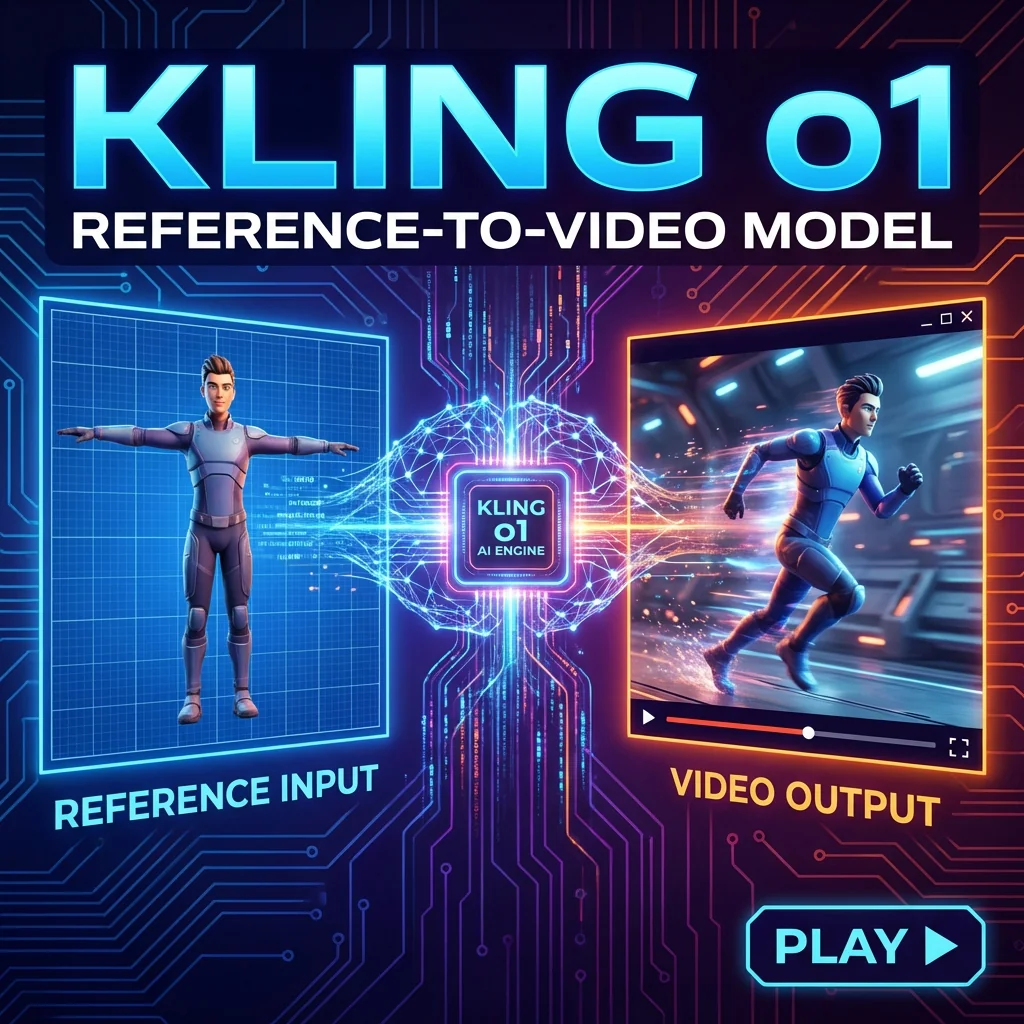
Kling Omni Video O1 Reference-to-Video
Kling Omni Video O1 Reference-to-Video generates creative videos using character, prop, or scene references from multiple viewpoints. Extracts subject features and creates new video content while maintaining identity consistency across frames. Ready-to-use REST API, best performance, no cold starts, affordable pricing.
Kling Omni Video O1 Reference-to-Video
Kling Omni Video O1 Reference-to-Video generates creative videos using character, prop, or scene references from multiple viewpoints. Extracts subject features and creates new video content while maintaining identity consistency across frames. Ready-to-use REST API, best performance, no cold starts, affordable pricing.

Kling 3.0 Standard
Kling 3.0 Standard Motion Control transfers motion from reference videos to animate still images. Upload a character image and a motion clip (dance, action, gesture), and the model extracts the movement to generate smooth, realistic video. Ready-to-use REST inference API, best performance, no cold starts, affordable pricing.