Kling Omni Video O1 Reference-to-Video
kwaivgi/kling-video-o1/video-edit
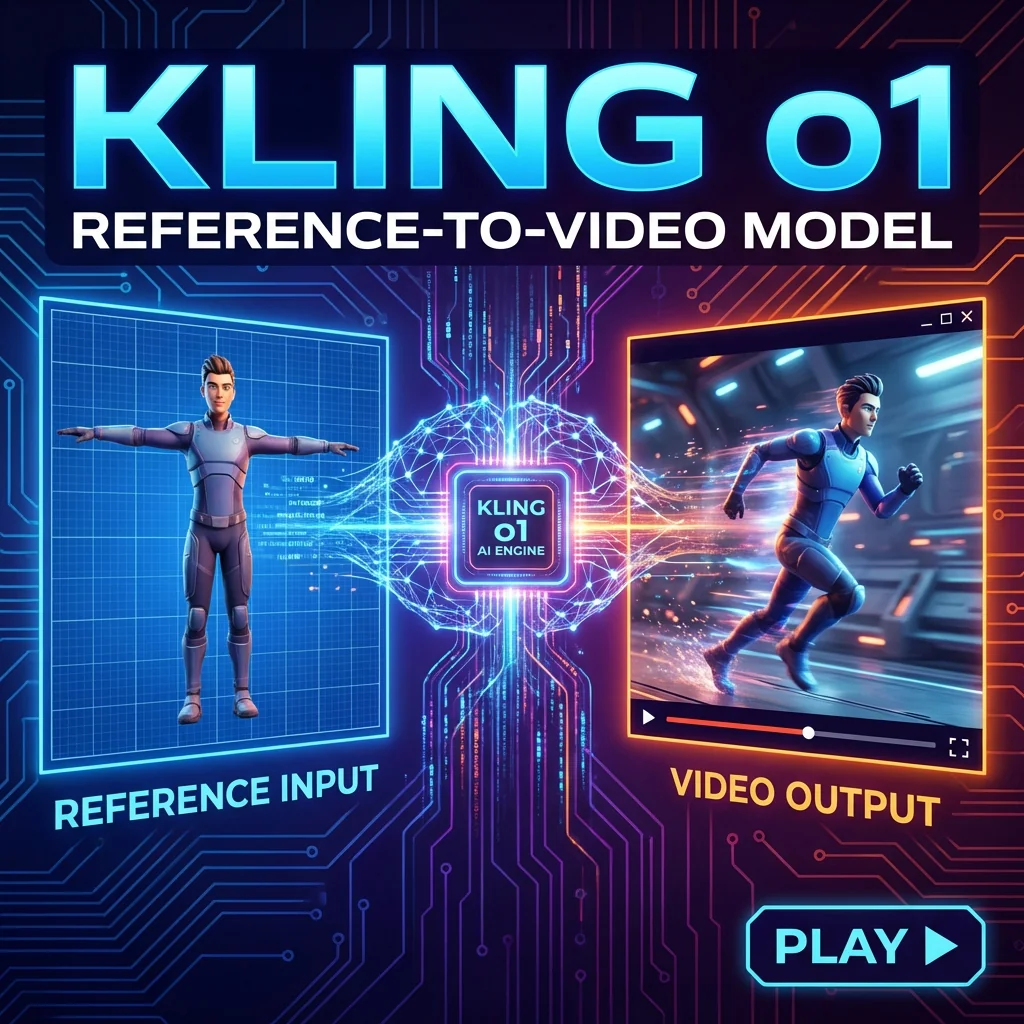
Kling Omni Video O1 Reference-to-Video generates creative videos using character, prop, or scene references from multiple viewpoints. Extracts subject features and creates new video content while maintaining identity consistency across frames. Ready-to-use REST API, best performance, no cold starts, affordable pricing.
Examples
Parameters
| Name | Type | Default | Constraints | Description |
|---|---|---|---|---|
| promptPrompt | textarea | — | ≤ 5000 chars | Describe the scenario for the new video content. Be specific about actions, camera movements, and atmosphere. |
| imagesReference Images | image_upload | — | image/* · 0–7 items | Upload up to 7 reference images (character, prop, or scene). If a reference video is used, the limit is reduced to 4 images. |
| resolutionGeneration Mode | select | 720P | 720P | 1080P | |
| keep_original_soundKeep Original Sound | boolean | true | — | Select whether to keep the video original sound when a reference video is provided. |
API
Call this model through one unified REST API. Get a key on the API Keys page.
cURL
# 1) Submit — returns { "task_uuid": "..." }
curl -X POST "https://www.namifusion.com/api/v1/marketplace/run/kwaivgi/kling-video-o1/video-edit" \
  -H "Authorization: Bearer YOUR_API_KEY" \
  -H "Content-Type: application/json" \
  -d '{
  "input": {
    "prompt": "Use reference image 1 as the female character and reference.",
    "images": [
      "https://kaito-1328216764.cos.ap-tokyo.myqcloud.com/marketplace/thumbnails/2026-02-06/3233ef941e4e.png"
    ],
    "resolution": "720P",
    "keep_original_sound": false
  }
}'

# 2) Poll until status is "completed", then read the output URLs
curl "https://www.namifusion.com/api/v1/marketplace/run/tasks/TASK_UUID" \
  -H "Authorization: Bearer YOUR_API_KEY"
Python
import time, requests

API_KEY = "YOUR_API_KEY"
HEADERS = {"Authorization": f"Bearer {API_KEY}"}

# 1) Submit
resp = requests.post(
    "https://www.namifusion.com/api/v1/marketplace/run/kwaivgi/kling-video-o1/video-edit",
    headers=HEADERS,
    json={
        "input": {
            "prompt": "Use reference image 1 as the female character and reference.",
            "images": [
                "https://kaito-1328216764.cos.ap-tokyo.myqcloud.com/marketplace/thumbnails/2026-02-06/3233ef941e4e.png"
            ],
            "resolution": "720P",
            "keep_original_sound": False
        }
    },
)
resp.raise_for_status()  # 401/402/429/5xx stop here instead of polling a bad task
task = resp.json()

# 2) Poll until a terminal state (completed / failed / cancelled).
#    This model is allowed up to 600s server-side.
deadline = time.time() + 660
while task.get("status") not in ("completed", "failed", "cancelled"):
    if time.time() > deadline:
        raise TimeoutError(f"still {task.get('status')} — keep the task_uuid and poll later")
    time.sleep(3)
    poll = requests.get(f"https://www.namifusion.com/api/v1/marketplace/run/tasks/{task['task_uuid']}", headers=HEADERS)
    poll.raise_for_status()
    task = poll.json()

print(task["status"], task.get("output"))
JavaScript
const API_KEY = "YOUR_API_KEY";
const HEADERS = { Authorization: `Bearer ${API_KEY}` };

// 1) Submit
const resp = await fetch("https://www.namifusion.com/api/v1/marketplace/run/kwaivgi/kling-video-o1/video-edit", {
  method: "POST",
  headers: { ...HEADERS, "Content-Type": "application/json" },
  body: JSON.stringify({
    "input": {
      "prompt": "Use reference image 1 as the female character and reference.",
      "images": [
        "https://kaito-1328216764.cos.ap-tokyo.myqcloud.com/marketplace/thumbnails/2026-02-06/3233ef941e4e.png"
      ],
      "resolution": "720P",
      "keep_original_sound": false
    }
  }),
});
if (!resp.ok) throw new Error(`submit failed: ${resp.status} ${await resp.text()}`);
let task = await resp.json();

// 2) Poll until a terminal state (completed / failed / cancelled).
//    This model is allowed up to 600s server-side.
const deadline = Date.now() + 660 * 1000;
while (!["completed", "failed", "cancelled"].includes(task.status)) {
  if (Date.now() > deadline) throw new Error(`still ${task.status} — keep the task_uuid and poll later`);
  await new Promise((r) => setTimeout(r, 3000));
  const poll = await fetch(`https://www.namifusion.com/api/v1/marketplace/run/tasks/${task.task_uuid}`, { headers: HEADERS });
  if (!poll.ok) throw new Error(`poll failed: ${poll.status}`);
  task = await poll.json();
}

console.log(task.status, task.output);
Documentation
Kling Omni Video O1 Video Edit
Precision Video Transformation with Natural Language
Kling Omni Video O1 Video Edit is a powerful AI model designed to modify existing videos through text instructions. By leveraging a source video and precise prompts, it allows for seamless style changes, element modifications, or action adjustments while preserving the original video's underlying structure. With high efficiency and professional-grade consistency, it is optimized for rapid post-production and creative iteration via REST API.
🚀 Key Features
- Instructional Editing: Modify visual content by simply describing the desired changes in natural language.
- Temporal Integrity: Maintains fluid motion and consistent visual quality throughout the duration of the edit.
- Style & Environment Modification: Easily transform the artistic style, background, or lighting of existing footage.
- Duration Alignment: The edited output length automatically matches the duration of the source video.
- Fixed Aspect Ratio: The model preserves the original aspect ratio of the input video to ensure structural fidelity.
- Audio Control: Option to retain the original audio track from the source video during the editing process.
🛠️ Technical Specifications
| Parameter | Type | Default Value | Options/Range | Description |
|---|---|---|---|---|
| Prompt | String | - | - | Text instructions describing the edits. |
| Video | String | - | - | URL of the source video (3–10 seconds). |
| Negative Prompt | String | - | - | Descriptions of elements to avoid in the edit. |
| Keep Original Sound | Boolean | True | True/False | Retain original audio from source video. |
💰 Pricing
| Attribute | 720P | 1080P |
|---|---|---|
| Video Edit | 0.1260 | 0.1680 |
Billing Rules:
- Billing is based on the duration of the input video.
- Total Cost = Price per second × Input Video Duration.
- Supported duration: 3–10 seconds.
💡 Best Use Cases
- Post-Production: Quickly adjust character details, backgrounds, or lighting in existing shots.
- Marketing: Update existing video ads with new seasonal styles or localized elements.
- Social Media: Apply creative filters and artistic transformations to short clips via text prompts.
- Prototyping: Rapidly iterate on visual styles during the early stages of film or animation production.
🔗 Related Models
- Kling Omni Video O1 Reference-to-Video: Generate character-consistent videos using reference images.
- Kling Omni Video Pro: Enhanced version with advanced motion control and higher resolution support.
- Kling Omni Video Ultra: Offers extended duration and ultra-wide aspect ratio capabilities.
Related models

VT Lip Sync
VT Lip Sync synchronizes mouth movements for a translated video by using the translated target video, translated audio, translated subtitle timing, and the original source video with its original subtitle timing.

Kling Omni Video O3
Kling Omni Video O3 Reference-to-Video generates creative videos using character, prop, or scene references from multiple viewpoints. Extracts subject features and creates new video content while maintaining identity consistency across frames. Supports audio generation. Ready-to-use REST API, best performance, no cold starts, affordable pricing.
Kling Omni Video O3
Kling Omni Video O3 Reference-to-Video generates creative videos using character, prop, or scene references from multiple viewpoints. Extracts subject features and creates new video content while maintaining identity consistency across frames. Supports audio generation. Ready-to-use REST API, best performance, no cold starts, affordable pricing.
Kling Omni Video O1 Reference-to-Video
Kling Omni Video O1 Reference-to-Video generates creative videos using character, prop, or scene references from multiple viewpoints. Extracts subject features and creates new video content while maintaining identity consistency across frames. Ready-to-use REST API, best performance, no cold starts, affordable pricing.

Kling 3.0 Standard
Kling 3.0 Standard Motion Control transfers motion from reference videos to animate still images. Upload a character image and a motion clip (dance, action, gesture), and the model extracts the movement to generate smooth, realistic video. Ready-to-use REST inference API, best performance, no cold starts, affordable pricing.

seedance-2-0 reference-to-video
The "Reference-to-Video" feature of Seedance 2.0 is the ultimate solution for visual stylistic unity. It precisely extracts artistic styles, lighting tones, or compositional intents from reference materials and seamlessly integrates them into newly generated videos, ensuring a highly consistent visual language for your creative series.

Alibaba WAN 2.6
Alibaba WAN 2.6 Reference-to-Video seamlessly transforms character, prop, or scene references—supporting both single and multi-view inputs—into high-quality video sequences. It excels at preserving identity, style, and layout while delivering fluid, coherent motion. Experience peak performance via our production-ready REST API, featuring zero cold starts and cost-effective pricing.