Seedance V1.5 Pro Spicy Image-to-Video
bytedance/seedance-v1.5-pro/image-to-video-spicy
bytedance/seedance-v1.5-pro/image-to-video-spicy. 이미지, 동영상, 얼굴 바꾸기 모델 API를 살펴보세요. 모델을 시험한 뒤 하나의 통합 REST API로 연결할 수 있습니다.
관련 모델
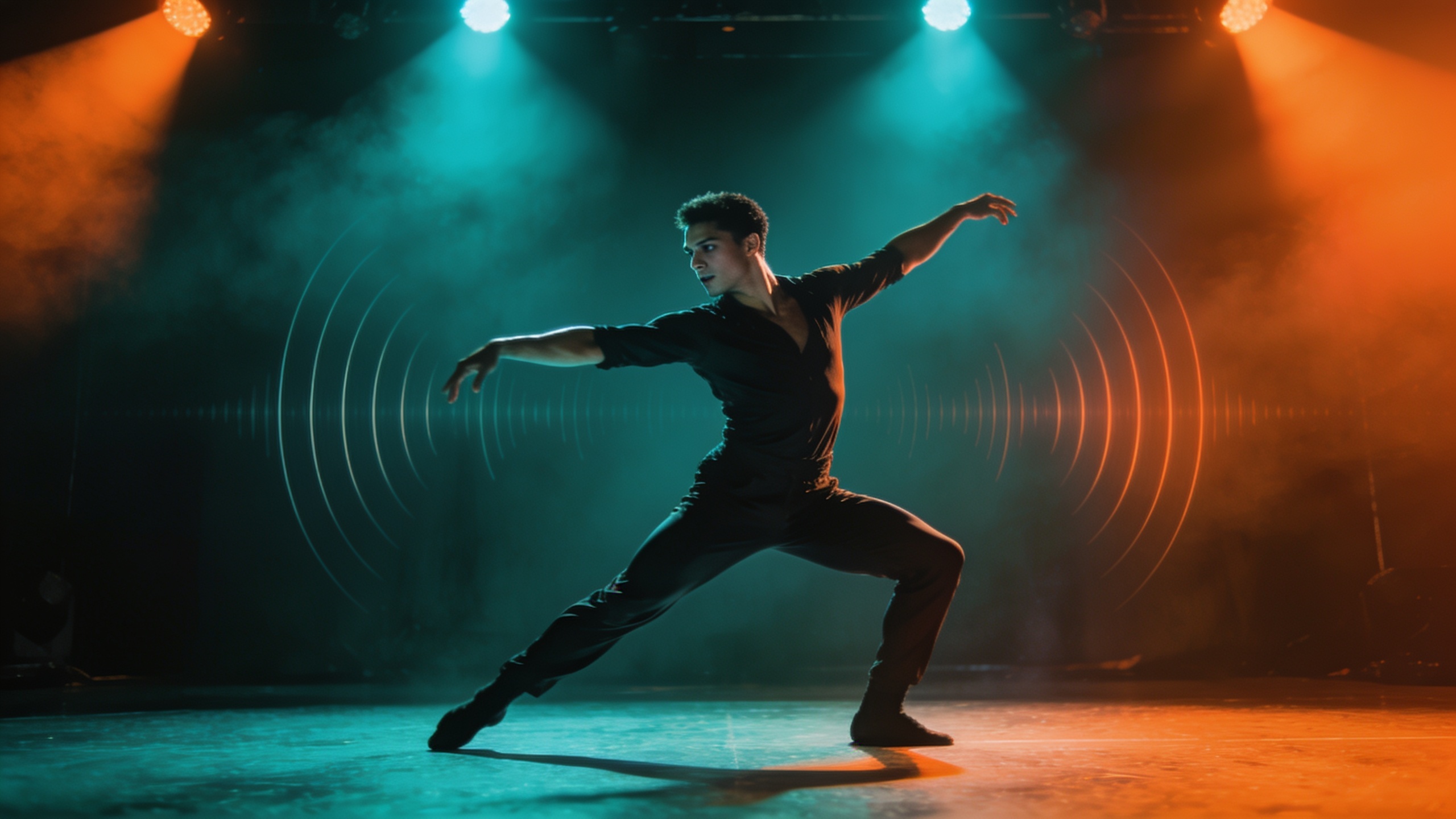
전체 매개변수, 출력 스키마 및 실시간 요금
| AI 모델 API 마켓 | 하나의 플랫폼, 모든 기능 | 가장 인기 | 이용약관 | 이미지, 동영상, 얼굴 바꾸기 모델 API를 살펴보세요. 모델을 시험한 뒤 하나의 통합 REST API로 연결할 수 있습니다. |
|---|---|---|---|---|
| first_frame *Image | image_upload | — | image/* · 0–1 items | |
| promptPrompt | textarea | — | ≤ 5000 chars | |
| last_frameLast Image | image_upload | — | image/* · 0–1 items | |
| aspect_ratioAspect Ratio | select | — | 21:9 | 16:9 | 4:3 | 1:1 | 3:4 | 9:16 | |
| durationDuration | slider | 5 | 4 ~ 12 · step 1 | |
| resolutionResolution | select | 720p | 480p | 720p | 1080p | |
| generate_audioGenerate Audio | boolean | true | — | |
| camera_fixedCamera Fixed | boolean | false | — | |
| seedSeed | number | — | — |
전체 매개변수, 출력 스키마 및 실시간 요금
| 자세히 보기 | 하나의 플랫폼, 모든 기능 | 이미지, 동영상, 얼굴 바꾸기 모델 API를 살펴보세요. 모델을 시험한 뒤 하나의 통합 REST API로 연결할 수 있습니다. |
|---|---|---|
| videos | array<string> |
API
이미지, 동영상, 얼굴 바꾸기 모델 API를 살펴보세요. 모델을 시험한 뒤 하나의 통합 REST API로 연결할 수 있습니다.
cURL
# 1) Submit — returns { "task_uuid": "..." }
curl -X POST "https://www.namifusion.com/api/v1/marketplace/run/bytedance/seedance-v1.5-pro/image-to-video-spicy" \
  -H "Authorization: Bearer YOUR_API_KEY" \
  -H "Content-Type: application/json" \
  -d '{
  "input": {
    "first_frame": [
      "https://d1s3annbwribom.cloudfront.net/marketplace/examples/2026/09/09/ca66cf3977a4.jpeg"
    ],
    "prompt": "Animate the scene with gentle, natural movement and a slow cinematic camera push-in. Preserve the subject, composition, and lighting of the reference images, with smooth transitions and consistent details.",
    "last_frame": [
      "https://d1s3annbwribom.cloudfront.net/marketplace/examples/2026/09/09/648dbb83f5ae.jpeg"
    ],
    "aspect_ratio": "16:9",
    "duration": 5,
    "resolution": "720p",
    "generate_audio": true,
    "camera_fixed": false
  }
}'

# 2) Poll until status is "completed", then read the output URLs
curl "https://www.namifusion.com/api/v1/marketplace/run/tasks/TASK_UUID" \
  -H "Authorization: Bearer YOUR_API_KEY"
Python
import time, requests

API_KEY = "YOUR_API_KEY"
HEADERS = {"Authorization": f"Bearer {API_KEY}"}

# 1) Submit
resp = requests.post(
    "https://www.namifusion.com/api/v1/marketplace/run/bytedance/seedance-v1.5-pro/image-to-video-spicy",
    headers=HEADERS,
    json={
        "input": {
            "first_frame": [
                "https://d1s3annbwribom.cloudfront.net/marketplace/examples/2026/09/09/ca66cf3977a4.jpeg"
            ],
            "prompt": "Animate the scene with gentle, natural movement and a slow cinematic camera push-in. Preserve the subject, composition, and lighting of the reference images, with smooth transitions and consistent details.",
            "last_frame": [
                "https://d1s3annbwribom.cloudfront.net/marketplace/examples/2026/09/09/648dbb83f5ae.jpeg"
            ],
            "aspect_ratio": "16:9",
            "duration": 5,
            "resolution": "720p",
            "generate_audio": True,
            "camera_fixed": False
        }
    },
)
resp.raise_for_status()  # 401/402/429/5xx stop here instead of polling a bad task
task = resp.json()

# 2) Poll until a terminal state (completed / failed / cancelled).
#    This model is allowed up to 300s server-side.
deadline = time.time() + 360
while task.get("status") not in ("completed", "failed", "cancelled"):
    if time.time() > deadline:
        raise TimeoutError(f"still {task.get('status')} — keep the task_uuid and poll later")
    time.sleep(3)
    poll = requests.get(f"https://www.namifusion.com/api/v1/marketplace/run/tasks/{task['task_uuid']}", headers=HEADERS)
    poll.raise_for_status()
    task = poll.json()

print(task["status"], task.get("output"))
JavaScript
const API_KEY = "YOUR_API_KEY";
const HEADERS = { Authorization: `Bearer ${API_KEY}` };

// 1) Submit
const resp = await fetch("https://www.namifusion.com/api/v1/marketplace/run/bytedance/seedance-v1.5-pro/image-to-video-spicy", {
  method: "POST",
  headers: { ...HEADERS, "Content-Type": "application/json" },
  body: JSON.stringify({
    "input": {
      "first_frame": [
        "https://d1s3annbwribom.cloudfront.net/marketplace/examples/2026/09/09/ca66cf3977a4.jpeg"
      ],
      "prompt": "Animate the scene with gentle, natural movement and a slow cinematic camera push-in. Preserve the subject, composition, and lighting of the reference images, with smooth transitions and consistent details.",
      "last_frame": [
        "https://d1s3annbwribom.cloudfront.net/marketplace/examples/2026/09/09/648dbb83f5ae.jpeg"
      ],
      "aspect_ratio": "16:9",
      "duration": 5,
      "resolution": "720p",
      "generate_audio": true,
      "camera_fixed": false
    }
  }),
});
if (!resp.ok) throw new Error(`submit failed: ${resp.status} ${await resp.text()}`);
let task = await resp.json();

// 2) Poll until a terminal state (completed / failed / cancelled).
//    This model is allowed up to 300s server-side.
const deadline = Date.now() + 360 * 1000;
while (!["completed", "failed", "cancelled"].includes(task.status)) {
  if (Date.now() > deadline) throw new Error(`still ${task.status} — keep the task_uuid and poll later`);
  await new Promise((r) => setTimeout(r, 3000));
  const poll = await fetch(`https://www.namifusion.com/api/v1/marketplace/run/tasks/${task.task_uuid}`, { headers: HEADERS });
  if (!poll.ok) throw new Error(`poll failed: ${poll.status}`);
  task = await poll.json();
}

console.log(task.status, task.output);
API 문서
Seedance V1.5 Pro Spicy Image-to-Video
Turn one image into a cinematic clip with expressive motion and optional synchronized audio.
Seedance V1.5 Pro Spicy Image-to-Video is designed for controlled animation of portraits, products, illustrations, and scenes. A source image establishes the visual identity while optional prompt guidance defines subject movement, camera behavior, and mood. Resolution, duration, aspect ratio, camera lock, generated audio, and seed controls make the model practical for both quick previews and production-oriented creative work.
Key Features
- Expressive image animation: Adds coherent subject and environmental motion while retaining the source composition.
- 480p, 720p, and 1080p output: Choose the resolution that fits the target channel and processing budget.
- Flexible 1-16 second duration: Set an exact clip length rather than choosing from only a few presets.
- Synchronized audio generation: Produce an audio track with the video when
generate_audiois enabled. - Camera-lock option: Use
camera_fixedfor compositions that need motion inside a stable frame. - Multiple aspect ratios: Supports cinematic, landscape, square, and portrait layouts.
Technical Specifications
| Item | Details |
|---|---|
| Task | Image-to-video generation |
| Required input | image |
| Optional prompt | Subject motion, camera direction, and atmosphere |
| Resolution | 480p, 720p (default), 1080p |
| Duration | 1-16 seconds; default 5 seconds |
| Aspect ratio | 21:9, 16:9, 4:3, 1:1, 3:4, 9:16 |
| Fixed camera | Optional, disabled by default |
| Generated audio | Optional, enabled by default |
| Output | Generated video URL |
Sample Prompts
The character looks toward the camera and smiles subtly while a light breeze moves the hair; slow push-in, warm evening light.The camera makes a controlled orbit around the product as reflections glide over the surface; clean premium studio atmosphere.Fog drifts between the mountains, water ripples gently, and sunlight breaks through the clouds; stable wide composition.
Pricing
| Resolution | Audio disabled | Audio enabled |
|---|---|---|
| 480p | 1.2 credits/second | 2.4 credits/second |
| 720p | 2.6 credits/second | 5.2 credits/second |
| 1080p | 5.2 credits/second | 10.4 credits/second |
Duration multiplies the applicable per-second rate. These values reproduce the existing Marketplace pricing configuration; this documentation update does not alter pricing.
Best Use Cases
- Portrait, fashion, and character animation for short-form media.
- Product shots and campaign visuals with controlled camera movement.
- Illustration and concept-art animation with ambient motion.
- Clips that benefit from automatically generated synchronized audio.
Best Practices
Use a clear source image with one dominant subject. Describe motion and camera instructions separately, and keep the amount of action realistic for the selected duration. Turn on fixed-camera mode for subtle product or portrait motion; leave it off when the shot needs a deliberate pan, orbit, or push-in. Review audio-enabled pricing before longer generations.
관련 모델
xAI Grok Imagine Video v1.5 Image to Video
x-ai/grok-imagine-video-v1.5/image-to-video. 이미지, 동영상, 얼굴 바꾸기 모델 API를 살펴보세요. 모델을 시험한 뒤 하나의 통합 REST API로 연결할 수 있습니다.

vidu/q3/image-to-video-spicy
vidu/q3/image-to-video-spicy. 이미지, 동영상, 얼굴 바꾸기 모델 API를 살펴보세요. 모델을 시험한 뒤 하나의 통합 REST API로 연결할 수 있습니다.

Vidu Q3 Image To Video
vidu/q3/image-to-video. 이미지, 동영상, 얼굴 바꾸기 모델 API를 살펴보세요. 모델을 시험한 뒤 하나의 통합 REST API로 연결할 수 있습니다.

MiniMax H3 Spicy Image to Video
minimax/h3/image-to-video-spicy. 이미지, 동영상, 얼굴 바꾸기 모델 API를 살펴보세요. 모델을 시험한 뒤 하나의 통합 REST API로 연결할 수 있습니다.
MiniMax H3 Image to Video
minimax/h3/image-to-video. 이미지, 동영상, 얼굴 바꾸기 모델 API를 살펴보세요. 모델을 시험한 뒤 하나의 통합 REST API로 연결할 수 있습니다.

ltx-2.5/image-to-video
ltx-2.5/image-to-video. 이미지, 동영상, 얼굴 바꾸기 모델 API를 살펴보세요. 모델을 시험한 뒤 하나의 통합 REST API로 연결할 수 있습니다.

ai/ltx-2.3-spicy/image-to-video-lora
lightricks/ltx-2.3-spicy/image-to-video-lora. 이미지, 동영상, 얼굴 바꾸기 모델 API를 살펴보세요. 모델을 시험한 뒤 하나의 통합 REST API로 연결할 수 있습니다.

ai/ltx-2.3-spicy/image-to-video
lightricks/ltx-2.3-spicy/image-to-video. 이미지, 동영상, 얼굴 바꾸기 모델 API를 살펴보세요. 모델을 시험한 뒤 하나의 통합 REST API로 연결할 수 있습니다.